
It is incredibly rare in the tech industry for a company to genuinely outdo its own masterpiece. Yet, as you will read in this comprehensive Logitech MX Master Series 4 mouse review, that is exactly what has happened. Our long-time favorite everyday powerhouse has been definitively eclipsed by this fourth-generation flagship. The device introduces some of the most innovative peripheral technology we have seen in years, harnessing these new capabilities in ways that drive real productivity—never relying on mere gimmicks.
Table of Contents
Haptics are in style
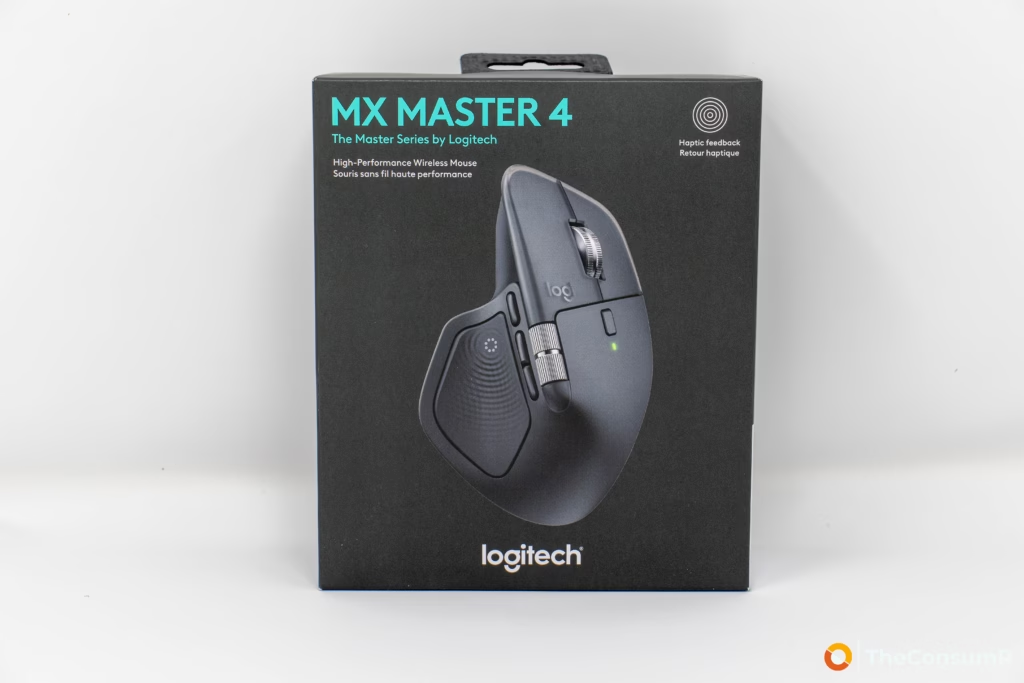
The standout feature of this mouse is its haptic feedback. It delivers precise tactile confirmation for clicks, alignment, and trigger actions, but the Logi Options software truly shines when integrated with Adobe Photoshop or Microsoft Office. You also have full control to dial the feedback intensity up, down, or off entirely. Users can use the optional Logitech Marketplace to expand the software capabilites to other platforms.
When paired with creative and professional suites like Adobe Photoshop or Microsoft Office, the haptics become a workflow multiplier. Instead of relying solely on visual cues, you can physically feel a subtle “bump” when a layer snaps perfectly into alignment, or when you lock a chart into place on a dense spreadsheet. It transforms abstract digital tasks into tangible, physical actions, allowing for faster and more confident precision work.
Comfort and style
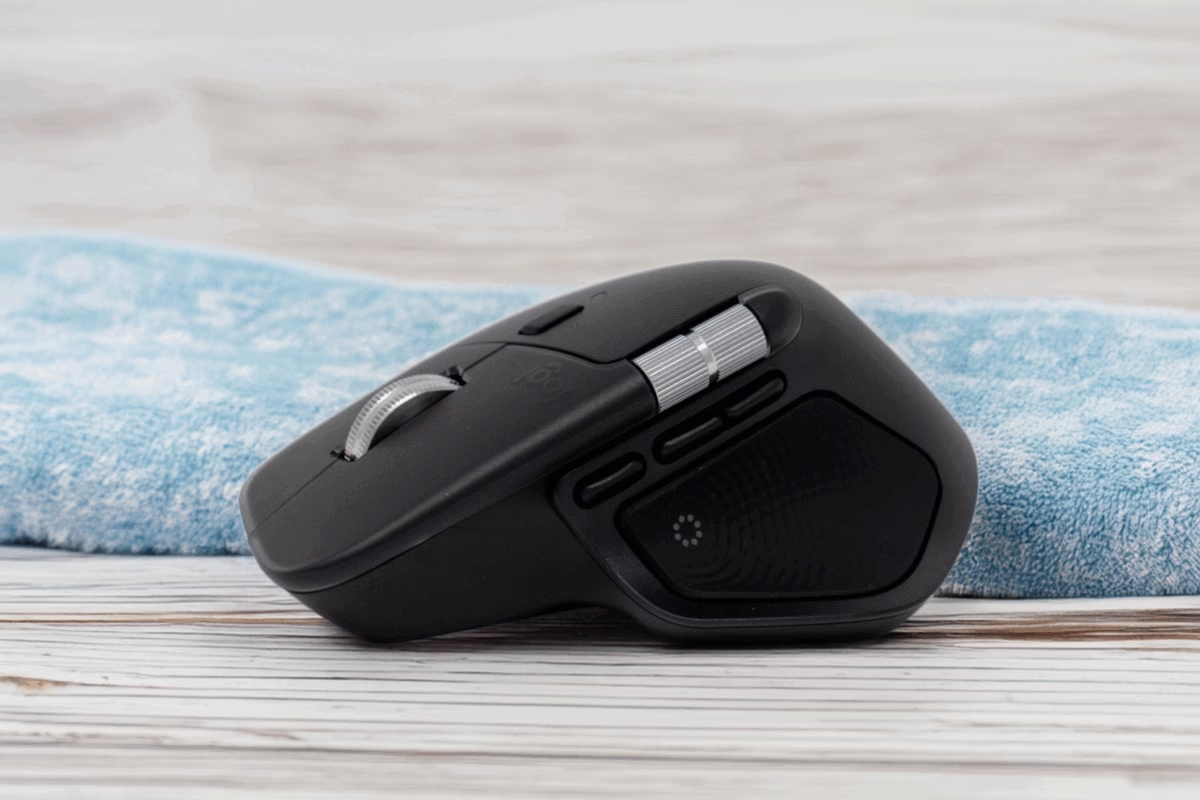
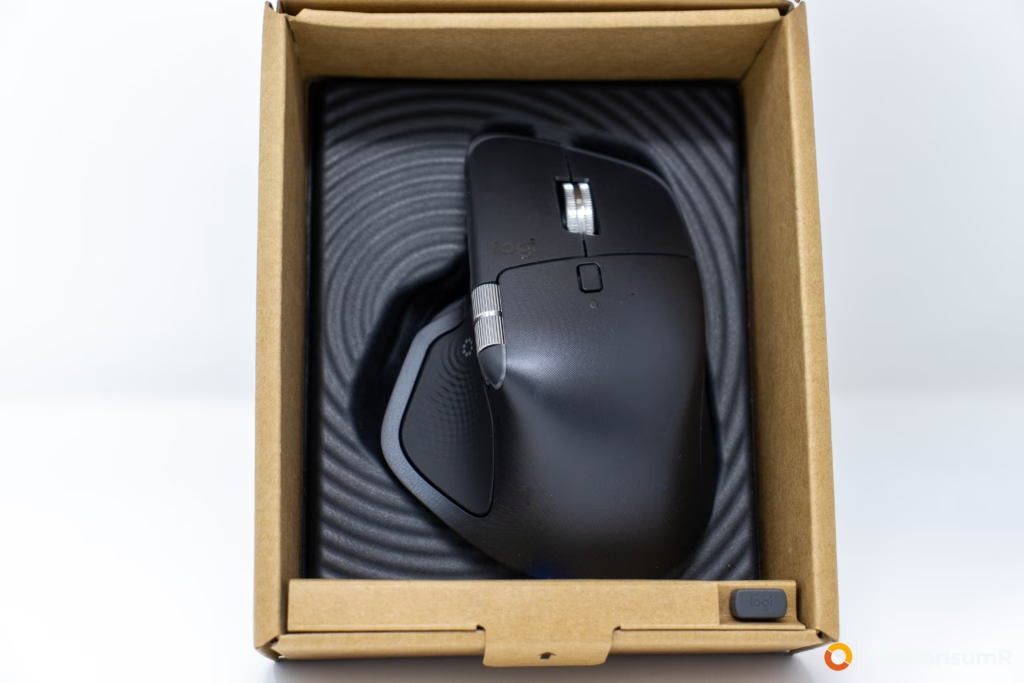
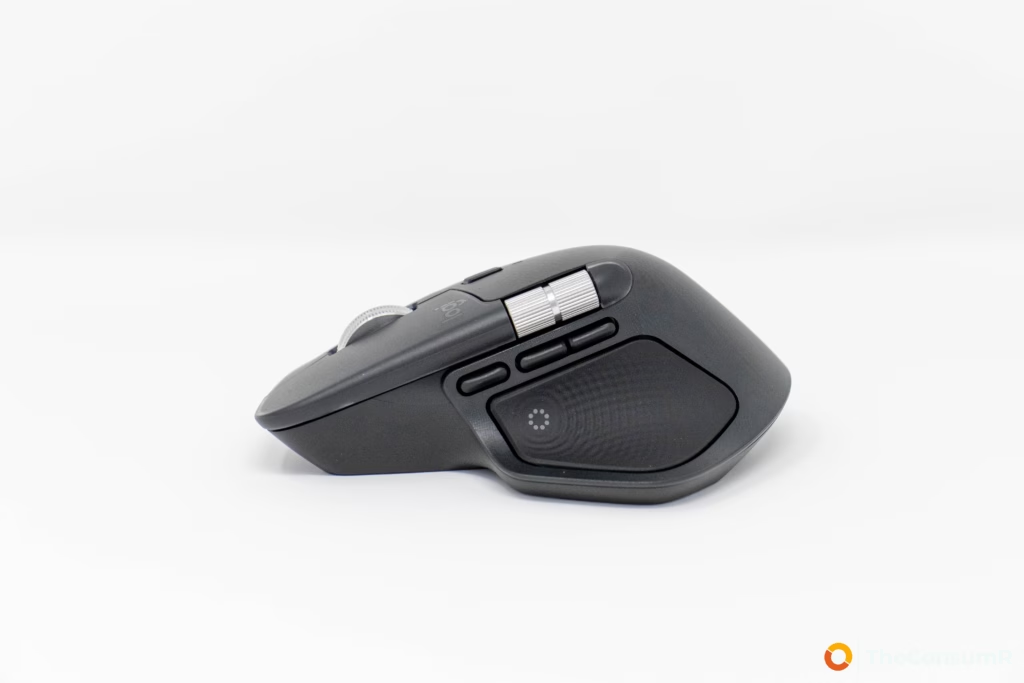
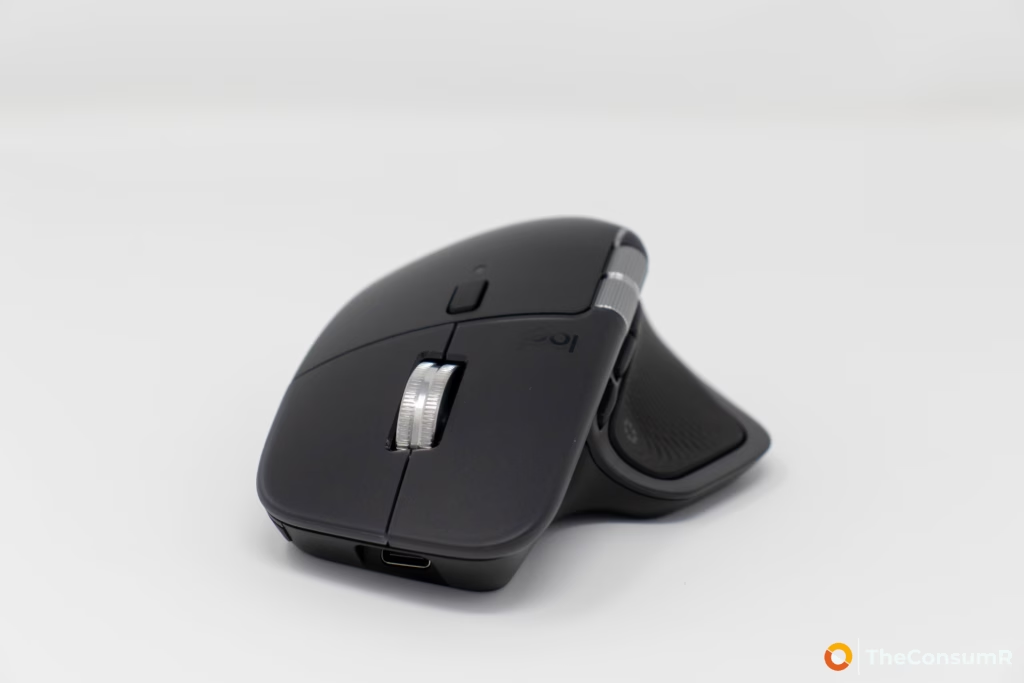
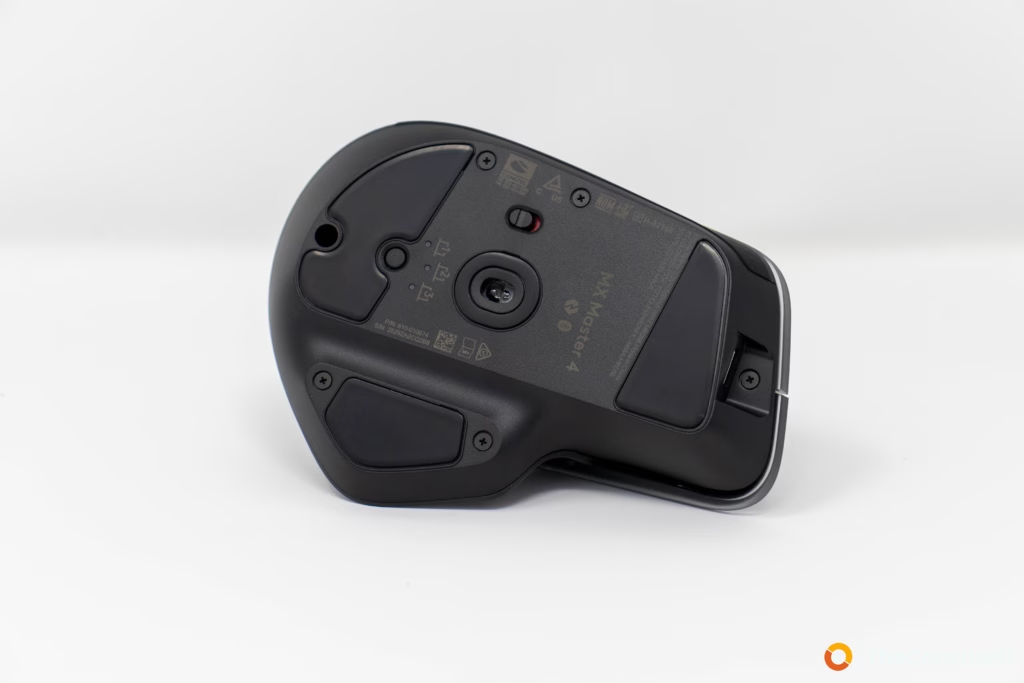
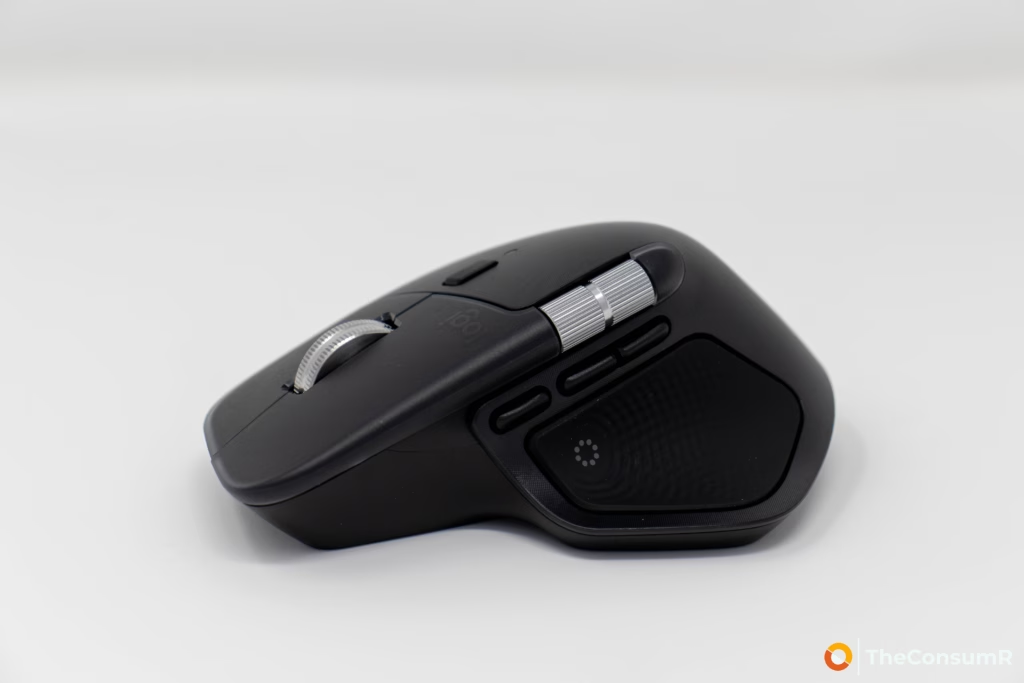
Encapsulated in one of three colours (pale gray, graphite or black) that device is made using “next life plastics” and uses recycled cobalt batteries. The next life plastic feel extremly durable and comfortable and has vastly improved since the previous generation Logitech MX Master 3 mouse. The mouse weights in at 150grams and it’s size is very similar to the previous generation at (128.15mm x 88.35mm x 50.8 mm).
Agility and other features
It is hard to overstate the lengths Logitech has gone to ensure this is the definitive MX Series device—and arguably the best overall productivity mouse on the market today. During the pre-launch briefing, the development team made it abundantly clear that user feedback was the driving force behind this iteration. They even employed thermal imaging to map exact grip patterns, optimizing the ergonomic contours of the chassis, while directly addressing community complaints by refining the resistance of the previous generation’s scroll wheel.
Under the hood, this latest generation is equipped with Logitech’s proprietary Darkfield High Precision sensor, offering a highly adjustable range of 200 to 8,000 DPI. Navigating large documents or timelines is also smoother, thanks to an upgraded MagSpeed scroll wheel paired with a dedicated thumbwheel for horizontal scrolling.
Connectivity and battery life
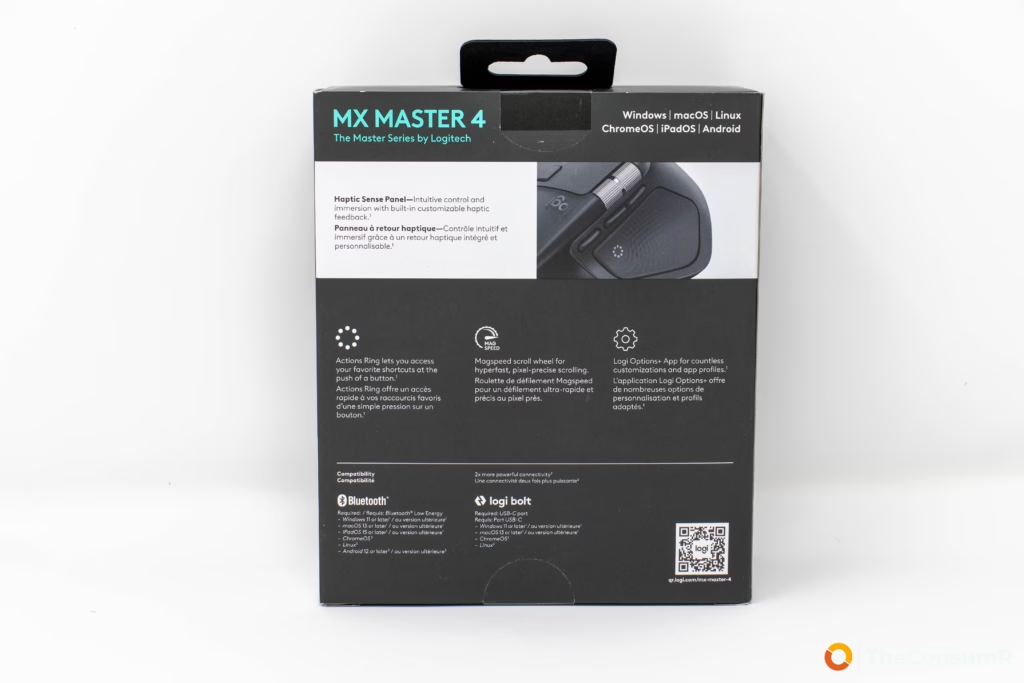
Battery life has seen a dramatic improvement, showcasing just how refined Logitech’s hardware engineering has become. As we noted in our review of the Logitech Solar Keyboard, power efficiency is an area where the brand clearly refuses to compromise. We have rarely had to plug the mouse in since it arrived on our testing desk, but when the battery does eventually run dry, the downtime is practically non-existent. Thanks to USB-C quick charging, a mere one-minute top-up yields hours of use, ensuring your workflow is never interrupted for long. The company rates battery life at 70 days with a built in non-removable 650mAh battery.
For connectivity, the device offers versatile options, supporting both Bluetooth 5.1 with Bluetooth Low Energy (BTLE) quick pairing and Logitech’s proprietary Logi Bolt USB receiver. While the standard Bluetooth connection is perfectly capable for on-the-go or mobile setups, the Logi Bolt configuration is the definitively preferred method for a primary workstation. Engineered to meet Federal Information Processing Standards (FIPS), the Bolt receiver provides the kind of robust, encrypted connection required in enterprise and high-security environments. Beyond the rigorous security protocols, it also boasts significantly lower latency and a much more stable connection than standard Bluetooth—a crucial advantage in heavily congested wireless workspaces where lag or dropped inputs simply aren’t an option.
Design and Quality
Logitech has taken meticulous care to iterate on the already excellent foundation of the MX Master 3, resulting in a device that exudes premium build quality. From its sculpted, ergonomic silhouette to its weighted chassis, every physical detail feels engineered for longevity. But perhaps the most striking design refinement isn’t visual, but acoustic. Logitech’s engineers have achieved a staggering 90% reduction in click noise. The result is a deeply satisfying, tactile mechanical feel that is virtually silent—a testament to the precise, thoughtful craftsmanship that defines this flagship device.
Our Verdit?
Logitech has undoubtedly hit it out of the park with the MX Master 4. Put simply, this is by far the most meticulously engineered, ergonomically comfortable, and feature-rich mouse we have tested to date. While we have long appreciated the brand’s hardware, that respect is entirely earned: Logitech remains one of the few true innovators in a category that often settles for minor, incremental updates. By pairing premium build quality with deeply integrated software and thoughtful, user-centric refinements, they haven’t just created a great peripheral—they have set the new gold standard for professional productivity. The device is available for purchase from the company directly or through major retailers for CAD $159.99 / USD $ 119.99 with options to purchase it bundled with other MX Series products for a discount.